How to Open a Bank Account Online Easily: A Beginner’s Guide
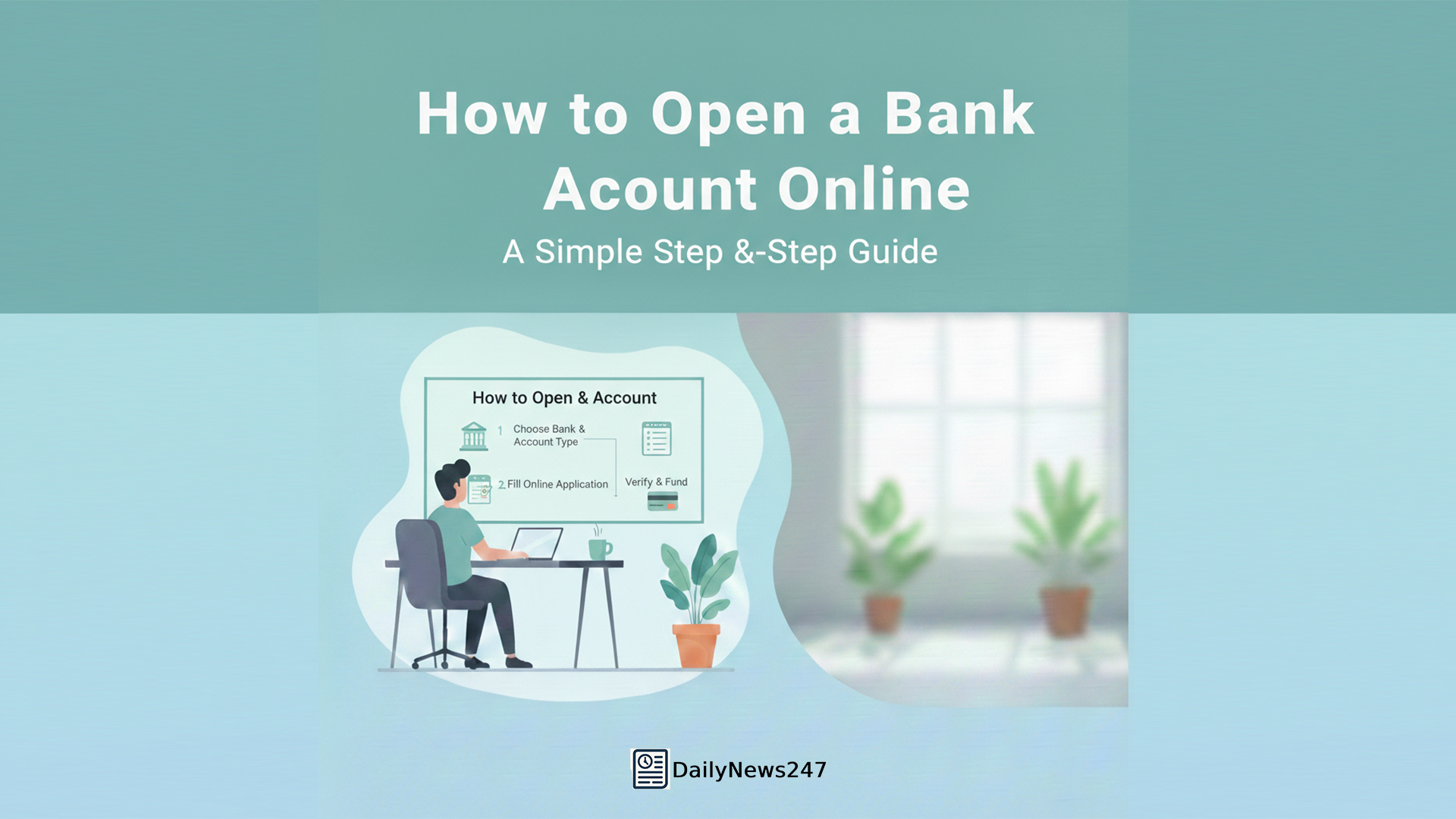
How to Open a Bank Account Online Easily: A Beginner’s Guide
There was a time when opening a bank account felt like a full-day task. You had to visit a branch, wait in line, fill multiple forms, and still hear, “Come back tomorrow.” I delayed opening a new account for weeks because I simply didn’t have the patience. One evening, a friend casually mentioned that he opened his bank account online while sitting at home. I didn’t believe him at first. Out of curiosity, I tried it myself. That experience completely changed my understanding of banking.
This guide explains how to open a bank account online in the simplest way possible, especially for beginners.
What Does Opening a Bank Account Online Mean?
Opening a bank account online means completing the entire account opening process digitally without visiting a bank branch.
You can:
Apply using your phone or laptop
Upload documents online
Complete identity verification digitally
Once approved, your account becomes active and usable.
Why More People Are Opening Bank Accounts Online
Online account opening is growing because it removes unnecessary effort.
Main reasons include:
No travel or waiting time
Faster approval
Less paperwork
Easy process for beginners
Understanding how to open a bank account online helps you take advantage of modern banking convenience.
Types of Bank Accounts You Can Open Online
Most banks allow online opening of common account types.
These usually include:
Savings account
Zero balance account
Student account
Salary account
Business or current accounts may still require physical verification.
Basic Documents Needed for Online Account Opening
Before starting, keep your documents ready.
Generally required:
Identity proof
Address proof
Passport-size photo
Mobile number linked to ID
Clear documents make the process faster and smoother.
Step 1: Decide Which Bank and Account You Need
Start by asking yourself:
Do I need a savings or zero balance account?
Do I want high digital features?
Are minimum balance rules comfortable?
Choosing the right account avoids problems later.
Step 2: Visit the Official Bank Website or App
Always apply from:
The bank’s official website
The official mobile banking app
Avoid third-party links to keep your data safe.
Step 3: Fill in the Online Application Form
The application form usually asks for:
Name and date of birth
Address and contact details
Employment or income details
Fill details carefully. Incorrect information can delay approval.
Step 4: Upload Your Documents Properly
Upload clear photos or scans of documents.
Important tips:
Use good lighting
Avoid cropped or blurred images
Upload correct document type
Clear uploads reduce verification issues.
Step 5: Complete Online Verification
Most banks now verify identity digitally.
This may include:
OTP verification
Video KYC call
This step replaces the traditional branch visit.
My Real Experience with Online Account Opening
When I opened my account online, I kept expecting a phone call asking me to visit the branch. Instead, I received a message confirming my account details the same day. A few days later, my debit card arrived at my home. No queues. No stress. That experience made me realize how easy banking can be when you know how to open a bank account online correctly.
Step 6: Account Approval and Activation
After verification:
Bank reviews your details
Account gets approved
Account number is shared
Some banks offer instant activation with limited access at first.
Step 7: Activate Internet and Mobile Banking
Once your account is active:
Create login ID and password
Set transaction limits
Enable SMS and email alerts
This gives full control over your account.
How Much Time Does Online Account Opening Take?
Usually:
Application: 10–15 minutes
Verification: Same day or next day
Debit card: Delivered in a few days
Delays usually happen due to document errors.
Is It Safe to Open a Bank Account Online?
Yes, if done correctly.
Follow basic safety rules:
Use private internet
Avoid public Wi-Fi
Never share OTP or passwords
Banks use secure systems to protect customer data.
Common Mistakes Beginners Should Avoid
Many beginners face delays because of small mistakes.
Avoid:
Uploading unclear documents
Entering incorrect personal details
Ignoring bank instructions
A little attention saves a lot of time.
Who Can Open a Bank Account Online?
Online account opening is suitable for:
Salaried individuals
Students
First-time bank users
People with basic documents
Some special accounts may still need branch visits.
Advantages of Opening a Bank Account Online
Online banking offers:
Time savings
Less paperwork
Faster access to banking services
Better financial independence
It fits well with today’s digital lifestyle.
Why Beginners Should Prefer Online Account Opening
For beginners:
The process is guided
No pressure from bank staff
Everything happens step by step
Understanding how to open a bank account online builds confidence and financial awareness.
Final Thoughts
Learning how to open a bank account online makes banking simple, accessible, and stress-free. With basic documents and careful steps, anyone can open an account from home. Banking no longer needs long queues or confusion—it just needs awareness.
Modern banking rewards those who choose convenience wisely.
FAQs – Online Bank Account Opening
1. Can I open a bank account fully online?
Yes, most banks allow complete online account opening.
2. Is online account opening safe?
Yes, when done through official bank platforms.
3. What if my application gets rejected?
You can reapply or visit a branch for help.
Also Read –
Saving vs Investing: The Brutal Truth About Which One Makes You Rich
Why Saving Money Daily Matters | Smart Financial Habits Guide
How to Manage Money for Beginners: Simple Steps to Control Your Finances
What Is Personal Finance? A Simple Beginner Guide to Manage Money
Share this content:





Post Comment